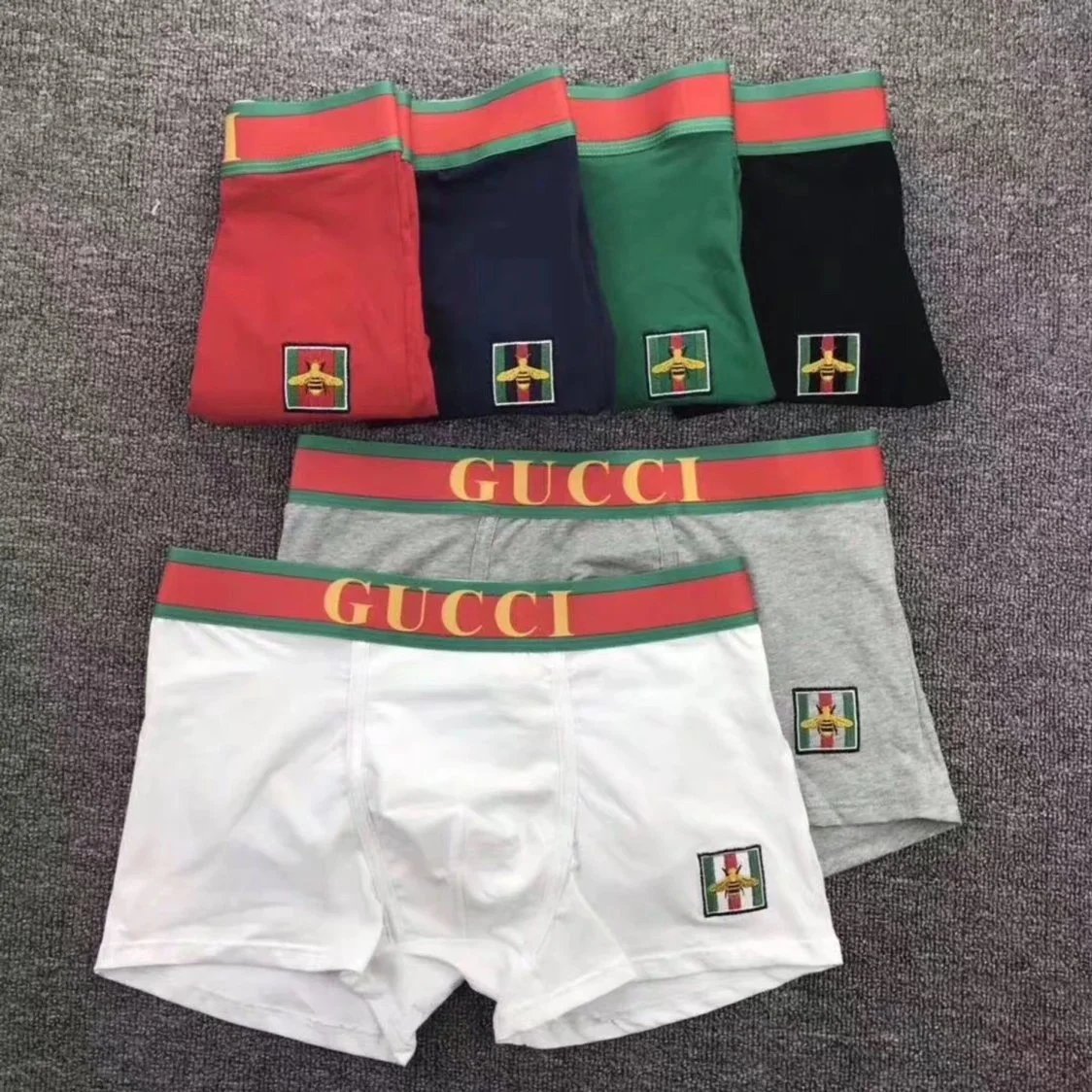
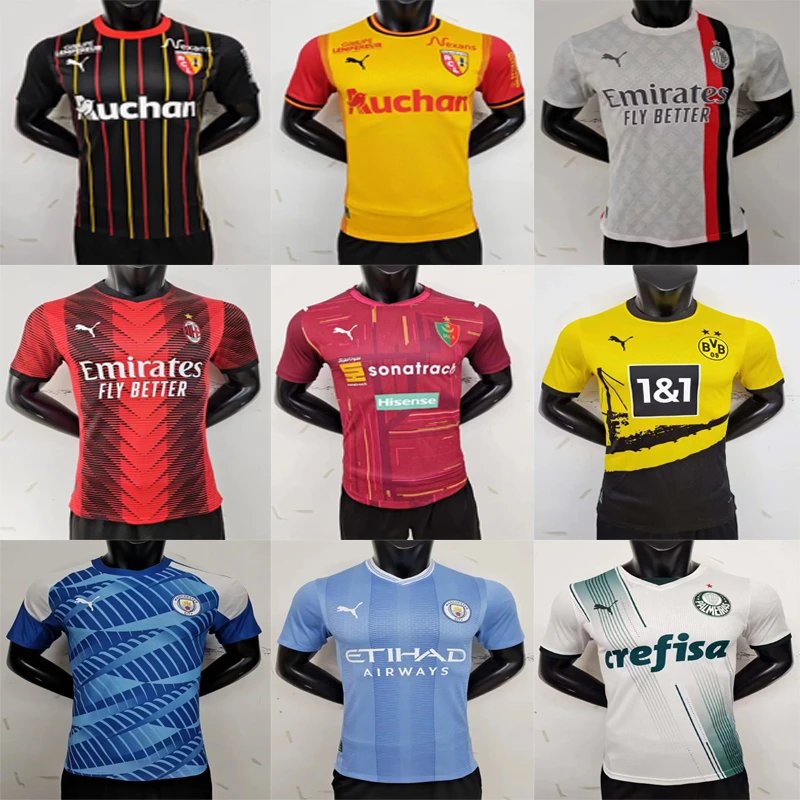
Avoid order delays by submitting clean Taobao or Weidian URLs. This tutorial walks you through link formatting and option selection for accurate purchases.
Why Clean Links Matter
Submitting messy or incorrect product links is a leading cause of order delays and errors. A clean URL ensures our purchasing agents can find the exact item you want quickly, without needing to request clarification.
Result of a Bad Link:
Identifying a Clean Product Link
A correct link points directly to a single product page. Here’s how to spot it:
- Taobao Example:https://item.taobao.com/item.htm?id=674382992727
- Weidian Example:https://weidian.com/item.html?itemID=5812847742
These links contain the core item.htm?id=item.html?itemID=
How to Get the Clean URL: A Step-by-Step Guide
- Open the product page on Taobao, Weidian, or another supported platform.
- Look at your browser's address bar at the top of the window.
- Select and copy the entire URL. Ensure you get the full link starting with
https://. - Paste it directly
Pro Tip:
Common Link Mistakes to Avoid
- App/Search Page Links:taobao.com/ms.taobao.com
- Links with Tracking Parameters:&utm_source=...&spm=.... Remove everything after the product ID.
- Homepage or Store Links:shop...) does not work.
- Screenshot Instead of URL:
Selecting Options Accurately
After pasting the clean link:
- Choose the correct item version/color
- Add detailed remarks
- Double-check the price and shipping cost estimates populated by the system.
- Add detailed remarks
Quick-Check Summary
Before hitting "Submit Order", ask yourself:
- ✅ Is my link a clean Taobao/Weidian
- ✅ Have I selected the exact variant
- ✅ Have I added necessary notes
- ✅ Have I selected the exact variant
Following this guide ensures a smooth, delay-free purchasing process on CSSBuy. Happy shopping!